Showing posts with label fun stuff. Show all posts

Monday, June 20, 2011

Today's Assignment: Assignment

A new R user quickly discovers that there are multiple ways to store information into an object -- the technical term for this is assignment. There's = as in:

x = c(1,2,3)

and there's <- as in:

x <- c(1,2,3)

R help on assignOps offers this explanation of the difference:
The operators <- and = assign into the environment in which they are evaluated. The operator <- can be used anywhere, whereas the operator = is only allowed at the top level (e.g., in the complete expression typed at the command prompt) or as one of the subexpressions in a braced list of expressions.
For catching subtle coding errors with =, this is a smart feature of R. When I am tired, I sometimes find myself writing a line of code that looks like this:

if(codename = "thedoctor") watch = "yes"

In this line of code, the problem is that codename = "thedoctor" isn't a logical statement. It is a statement that would assign the string "thedoctor" to an object called codename.... if the statement were allowed by R's language. Fortunately, R prevents this.

This feature of the R programming language helps me because I -- by default -- use = for assignment rather than <-. My style is not conventional, however. Popular R coding style guides (Google, 4D pie charts) suggest that users use <- option for assignment, rather than =.

Deep down, I think I use this unconventional default because I had the = versus == distinction (more generally, assignment versus logical statement) drilled into me in my first computer science class (not in R; Java). On reflection, I have three reasons to use = rather than <-. First, = is easier to type, using one keystroke and no shift keys. Second, the equals style looks cleaner to me (completely a personal preference). Third, I think assignment should take place out in the open (i.e., exactly where = is allowed). If the line of code is out in the open, both <- and = work the same.

On a final note, the <- is not without its problems for logical statements. For example, the statement

if(agediff<-2) status = "I'm older"


will cause problems and it won't let you know about these problems until you get some really strange results later on. Here's the code from an interactive R session where I show what can go wrong.

> agediff = -3
> if(agediff<-2) status = "I'm older"
> status
[1] "I'm older"
> agediff
[1] 2
> agediff = 4
> if(agediff<-2) status = "I'm older"
> status
[1] "I'm older"
> agediff
[1] 2
> status=NULL
> if(agediff<-2) status = "I'm older"
> status
[1] "I'm older"
> agediff
[1] 2


The problem is two-fold in this code. First, the if statement isn't acting as a logical statement splitting by whether "agediff< -2" Second, the value of agediff is changed because "<-" means assignment. The result is that both status and agediff have (potentially) the wrong values at the end of running the code.

As this error is a problem whether you use = or <- for assignment, it is worth knowing regardless of your style preference. Adhering to good spacing guidelines is a good way to avoid this error.

> agediff = 4
> if(agediff < -2) status = "I'm older"
> status
NULL
> agediff
[1] 4


There are some other examples in the Stack Overflow forum discussion on this topic (actually multiple threads on this), all of which are useful. It is interesting reading to be sure.

Monday, May 30, 2011

Recreational R: Simulating a Card Trick

In this post, I simulate an interesting card trick, which was described by a friend of mine named Xan. Here's Xan's description of the card trick:
  • I put a deck of cards down face up on the table. Meanwhile you think of a secret number between 1 and 10 -- for exposition let's say you pick 4.
  • One by one, I discard cards from the top of the deck. When we get to the 4th card -- and let's call it your special card -- you look at the number. For exposition, let's say your special card happens to be a 7. Then 7 secretly becomes your new number. Note that I don't know your special card.
  • I keep flipping cards, and 7 cards later, you have a new special card and number yet again. Note that I still don't know your special card.
  • This process continues -- me flipping cards at a constant rate, you secretly updating your special card and counting up to the next one -- until I decide to stop.
But I don't just stop on any card. I stop on your current special card. Which I'm not supposed to know.

The following script file is a crude first approximation to simulating this card trick for the first 150 cards. This crude strategy is simple: (1) Simulate a sequence of 150 cards, (2) Pick a starting value -- might as well do all of them at once, and (3) Implement Xan's trick on all of them (that's what the for loop does).


Here's the result of running this script three times and plotting 10 secretnum sequences: one for each starting value. Each run starts with 10 distinct secret numbers (with a default chance of 0.1 of the trick "working"), and in my three runs, every starting value of the secret number eventually converges on the same sequence of secret numbers. More on the intuition for this here.


There are a couple of things wrong with this simulation that may have stacked the deck in favor of it working. I fixed these before writing this post, but I think it is useful to see the quick and dirty solution before adding frills and realism (which is what I do now).
  1. I merely simulated my 150 cards using a uniform distribution on 1 to 13 (then forcing the face cards 11, 12 and 13 to be 10s). This is equivalent to sampling with replacement, which may have different properties than sampling without replacement.
  2. There are only 52 cards in a deck. How would this work with only one shuffle, but passing through the deck (almost) three times until 150 cards? This is a different problem. Maybe you wouldn't expect much improvement after one pass through the deck (because you've seen that sequence of cards before).
A clever use of the rep() command can create a "fresh" deck of cards without suit distinction (which doesn't matter for the trick). Now, how to use R to shuffle a deck of cards? The sample() command, of course. With this technique in mind, I wrote the following function to compute the probability that the trick works (that is, the probability that two independent guesses end up at the same secret number) given a number of decks and a number of passes through the entire stack of cards (for a given shuffle).


Once you define this function, we can save the probability of the trick working for 1000 different shuffles of the cards. This script does it for one deck and one pass through the deck.


Then, we can take the average probability, which feels like the probability the trick works (unconditional on the particular shuffle or guess of a secret number). In the simulations I have run, this number turns out to be around 0.74 for one deck and one pass through the deck and about 0.86 using one deck and passing through twice. There's not much improvement after the second pass through of the deck.

In case you're interested, here are the results for up to 3 decks and up to 5 passes through the set of cards. It is always better to have more decks, but two passes through two decks is about enough to virtually guarantee that the trick works.


Update: In case you are wondering, I also coded it up with a 0.01 probability of forgetting to update on any given flip of the card. Here's the table of results in this case.


It's no surprise: For forgetful people, the trick is less successful and there isn't much point in reaching for a second deck.

Saturday, May 28, 2011

An Application of boot() to IV regression

Bootstrapping standard errors can be a useful technique when obtaining closed form for the standard error formula is difficult or intractable. In this post, I give an example of how to use R to create a bootstrap sampling distribution in the context of IV regression. Specifically, I use boot() to automatically augment a function of mine to resample the indices of my data set with replacement (see the code in the function below).

In my application, I present a function that uses the boot library to report bootstrap standard errors for an instrumental variables regression. My ivboot() function builds on the iv() command I wrote for the tonymisc library.*

Now, onto the ivboot() example. Start by loading the tonymisc library and some data from the library, as well as the boot library.


We can run the following R script to define the function ivboot().


When applied to data and an IV regression model, the ivboot() function creates an IV regression object that -- when tonymisc is loaded -- is compatible with mtable() output. The only difference between an ivboot()-created object and an iv() object is that the ivboot() object has standard errors that are based on the bootstrap distribution of the coefficient estimates (Statistics other than the second-stage coefficient estimates are not bootstrapped).

Here is some code to compare the bootstrap output to the analytical standard error output:


On this small sample (N=100) of simulated data, the ivboot() command took less than a minute to run on my computer (timing of may vary depending on your computer). For much larger data sets, this will be slower. If you have a larger problem or lower standards (or higher standards, your choice), you can use the boots option to ivboot() to specify the number of bootstrap samples. Currently, I have set the default to 500, but you could specify boots = 200 if you want the command to run faster (boots = 10 will make it run even faster, but I don't recommend that!).

Here is the mtable() output, which can easily be ported into LaTeX using the toLatex() command.


*This standard output from an
mtable() extension to my iv() command provides quite a bit of information in a convenient format. Another nice feature of iv() is that iv()-created objects have first-stage summary information readily stored in the object for extraction and analysis.

Tuesday, April 26, 2011

Automatically Save Your Plots to a Folder

Suppose you're working on a problem that involves a loop for calculations. At each iteration inside the loop, you want to construct a plot. Not only do you want to see the plot, but you would like to save each plot for a presentation, report or paper. Furthermore, the loop goes on for a while (say through the 26-letters of the alphabet).

The last thing you want to do in this situation is: (1) produce each plot one-by-one, (2) right click on each singly-produced plot to save, (3) give the plot a unique name, and (4) repeat. You'll spend too much of your time saving plots and not enough time thinking about whether they are the right plots. Just imagine, what if something went wrong and you need to produce the whole set of plots again?

RStudio has a nice feature in that it saves all of your plots in the plotting pane. It's no problem if you just produce the plot inside your dreaded loop in RStudio because it keeps all of your plots in the pane. Even with RStudio, if you produce the plots inside the loop, you still need to save each one individually. This isn't ideal. If you don't believe me, imagine that you have 1000 plots instead of 26. This manual-saving method becomes impractical quickly.

How then can you automatically save plots to a folder without spending too much time? That's today's task. I'll start by describing several building-block commands and then at the end I'll put together a loop that does it all (by way of contrived example).

The first command you need to know is jpeg() (Alternatively, bmp(), png() or tiff(), depending on your file-type preferences) paired with dev.off(). For our purposes, jpeg() takes a path argument that allows us to save (at the location of our choosing via the path) output to a plotting window. For example, this code will save the next plotting object to a jpeg file called myplot.jpg located at "C://R//SAVEHERE"

jpeg(file = "C://R//SAVEHERE//myplot.jpg")

After running the plotting object, you need to be sure to turn off the plotting device you created (with the jpeg() command). To save a scatter plot of the vectors x versus y to the location described above, run these three lines:

jpeg(file = "C://R//SAVEHERE//myplot.jpg")
plot(x,y)
dev.off()


This code is a good building block for automatically saving to a folder inside a loop, but we still need to know how to dynamically create file names at which to save our plots. Suppose we have a vector that gives us a list of identifiers called names. Presumably, these identifiers mean something in your setting. For our working example, names is a list of letters from A to Z (we are trying to produce a separate scatter plot for each letter from A to Z).

We can use the file.path() and paste() commands to help us out here. I have found paste() to be incredibly useful for other applications as well. For example,

paste("myplot_", i, ".jpg", sep="")

produces the character string myplot_50.jpg when i = 50 and myplot_51.jpg when i=51. If i changes for each iteration in the loop, this paste() command will create a unique file name at each iteration.

We can get fancier with our pasting. If we have a vector of names, we can extract the ith name from the names vector with the paste command:

paste("myplot_", names[i], ".jpg", sep="")


The file.path() function helps us in a different way. It is a special paste function that helps us construct file paths really easily. For example,

mypath=file.path("C:", "R", "SAVEHERE", filename)

returns "C://R//SAVEHERE//filename" and stores it in an object called mypath. Replace filename with the paste command and we have a way to automatically generate file names in a folder called SAVEHERE.

Now, you have the tools to understand my example code of how to automatically generate and save plots to a folder. Make sure the folder exists before saving, but subject to that constraint, this procedure may make your life easier.

Saturday, April 23, 2011

Dates in R and the First Day of the Month

I spent some time this morning learning about how R thinks about dates in R. I found this website to be a useful guide.

Imagine that your data are dates in a standard format [YEAR-MONTH-DAY (as in 2011-23-04) is one such format] and you want a vector of the dates that are the first day in the month of your data set. You might, for example, be interested in this (as an intermediate calculation) because you wish to match some S&P 500 returns data to monthly data. Frustratingly, the S&P 500 returns data do not report on the weekends or on holidays when the exchange is closed.

Here's a function that will do return a vector of first-days-of-the-month if you give it a vector of dates. Maybe you will find this useful.


Enjoy!

Sunday, April 17, 2011

A Creative Use of R

Update (5/18/2011): Looks like Freakonomics approves as well. Let the record show that I approved first :)

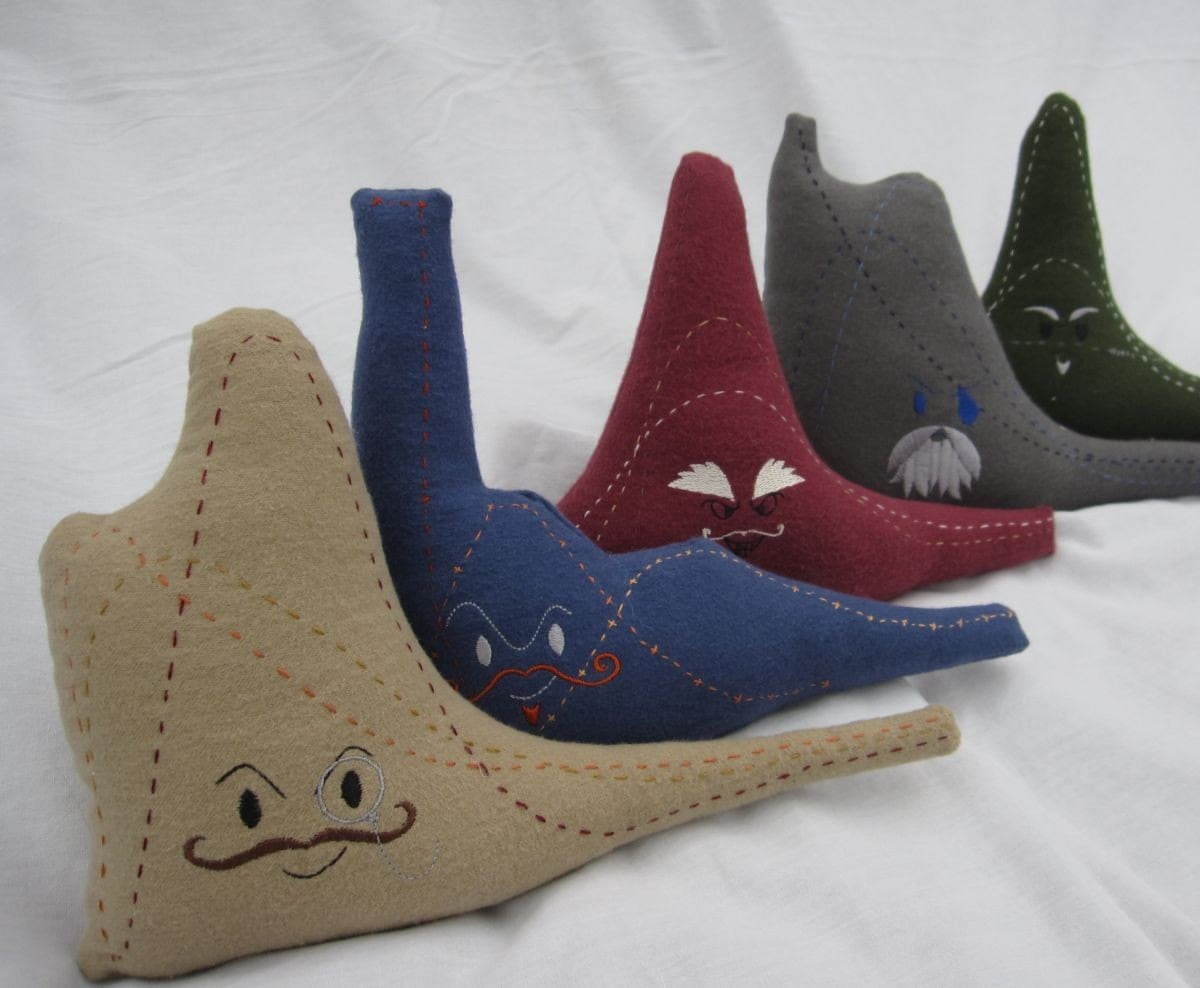
I approve: "I use the open-source program R to create the patterns."


But, I'm not sure I approve of calling these distributions "evil."

In case you were wondering, here are the commands to create the density plots for these "evil" distributions.

Poisson: dpois
Weibull: dweibull
Gumbel: dgumbel
Cauchy: dcauchy
Erlang: dgamma. It's a special case of the Gamma distribution. A special case of Erlang is the Chi-squared distribution.